

From AI-Generated Slides to Presentation-Ready Decks
From AI-Generated Slides to Presentation-Ready Decks How PPTMON Completes AI PowerPoint Content AI tools have ...
Free templates for your stunning presentation
AI presentation tools and AI PPT generators have made it incredibly easy to create slides in minutes.
With tools like ChatGPT, anyone can instantly generate outlines, bullet points, and even full slide decks.
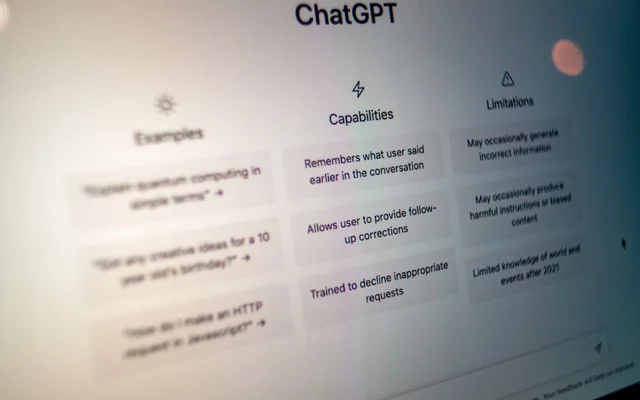
No surprise that searches like:
AI PPT generator
ChatGPT PowerPoint
AI presentation maker
are growing rapidly worldwide.

But here’s the problem:
AI-generated PowerPoint slides often look unfinished.
Let’s break down why AI PPT results shouldn’t be used as-is — and how to fix them.
AI tools are excellent at generating content, but not presentations.
Most AI-generated PPTs:
Focus on text rather than visuals
Look more like documents than slides
Lack presentation flow and emphasis
In other words, AI creates a draft, not a final presentation.
AI answers what to say,
but struggles with how to show it.
One of the biggest issues with AI PowerPoint slides is text overload.
You’ll often see:
Long paragraphs
Multiple ideas on one slide
No visual hierarchy
Presentations are meant to be seen, not read.
When slides are too text-heavy, audiences stop listening.
This is why many users search for:
AI PowerPoint design fix
AI PPT layout improvement
Great presentations guide the audience:
What’s important right now?
Where should attention go next?
When does the message shift?
AI-generated slides usually lack:
Visual emphasis
Section breaks
Storytelling rhythm
Every slide feels the same — and the presentation becomes monotonous.
AI can describe:
Processes
Comparisons
Timelines
Frameworks
But it struggles to visualize them.
Instead of diagrams or layouts, AI often delivers long explanations that should be shown visually.
That’s why many users look for:
AI PPT diagrams
AI presentation visualization
The most effective workflow today looks like this:
AI creates the content.
Templates complete the presentation.
AI handles:
Outlines
Key messages
First drafts
Templates handle:
Structure
Visual hierarchy
Design consistency
This combination produces far better results than AI alone.

If you already have an AI-generated PowerPoint, here’s how to upgrade it using pptmon.com.
AI-generated slides are standard PowerPoint files.
Simply:
Open your AI-generated PPT
Apply a template from pptmon.com
No conversion or special tools needed.
You don’t need to redesign everything.
Focus on:
Text-heavy slides
Agenda and summary slides
Data or explanation slides
Replacing just these with pptmon’s minimal, infographic, or business templates dramatically improves quality.
pptmon templates are designed around clarity.
Take AI-generated paragraphs and break them into:
One clear headline
Supporting text
Visual elements
This instantly turns AI drafts into presentation-ready slides.
To summarize:
AI PPTs are content drafts, not final slides
Readability is often poor
Visual emphasis is missing
Presentation flow is weak
The key isn’t avoiding AI —
it’s finishing AI-generated content properly.
AI presentation generators are powerful starting tools.
But presentation quality is still determined by design and structure.
If your AI-generated PowerPoint feels:
Too text-heavy
Too flat
Not presentation-ready
👉 Use pptmon.com templates to refine and complete it.
AI builds the draft.
pptmon.com makes it a real presentation.
From AI-Generated Slides to Presentation-Ready Decks How PPTMON Completes AI PowerPoint Content AI tools have ...

These Google Slides Themes and PowerPoint Templates are designed to transform AI-generated slides into clear, ...

AI Dumps the Numbers, PPTMON Tells the Story: Visualizing Complex Data Like a Pro Hello! In our previous posts, we ...

Many of us are now using AI tools like ChatGPT, Gemini AI, Gamma to create presentations. It’s incredibly ...